GeekCoding101
A Claude Code skill is a directory containing a required SKILL.md file: YAML frontmatter between --- markers, followed by Markdown instructions. Claude loads it when your request matches its description, or you run it yourself as a slash command such as /changelog-entry.
Skills repositories have been showing up on GitHub Trending lately, so this guide covers the basics and then builds one small skill from zero and runs it. The format is documented in Anthropic’s Claude Code skills docs and builds on the Agent Skills open standard. I tested the walkthrough with Claude Code 2.1.322 (checked 2026-11-14). The screenshots below are real terminal output from that setup.
What is a Claude Code skill?
A skill is a folder. The only required file is SKILL.md. Everything else is optional supporting material that SKILL.md can point to:
my-skill/├── SKILL.md # required: frontmatter + instructions├── reference.md # optional: longer docs, loaded when needed└── scripts/ └── helper.py # optional: a script the skill can runThink of it as a reusable playbook. Instead of pasting the same instructions into every chat, you write them once, give them a short description, and let Claude pull them in when relevant.
Where Claude Code skills live
The folder location decides who can use the skill.
| Scope | Path | Available in |
|---|---|---|
| Personal | ~/.claude/skills/<skill-name>/SKILL.md | All your projects |
| Project | .claude/skills/<skill-name>/SKILL.md | One repo; commit it so teammates get it |
| Plugin | <plugin>/skills/<skill-name>/SKILL.md | Wherever the plugin is enabled, invoked as /plugin-name:skill-name |
If a personal skill and a project skill share a name, the personal one wins. Plugin skills avoid clashes because of the plugin-name: prefix.
SKILL.md frontmatter: what each field does
The two fields that matter most are name and description.
name: becomes the slash command. If you leave it out, the directory name is used.description: tells Claude when the skill is relevant. Only this description sits in context all the time. The body ofSKILL.mdloads only when the skill is actually used.
That second point shapes how you write skills. Keep SKILL.md under roughly 500 lines and push long reference material into supporting files that the body links to.
A few other documented fields are worth knowing:
| Field | What it does |
|---|---|
disable-model-invocation: true | Only you can invoke the skill; Claude will not load it on its own. Use it for deploy-style skills with side effects. |
user-invocable: false | Hides the skill from the / menu; only Claude invokes it. |
allowed-tools | Tools Claude can use without a permission prompt while the skill runs. |
argument-hint | Autocomplete hint shown after the command, such as [file]. |
context: fork | Runs the skill in a subagent. |
The docs list more fields than these. Check the official skills page for the full set rather than guessing at names.
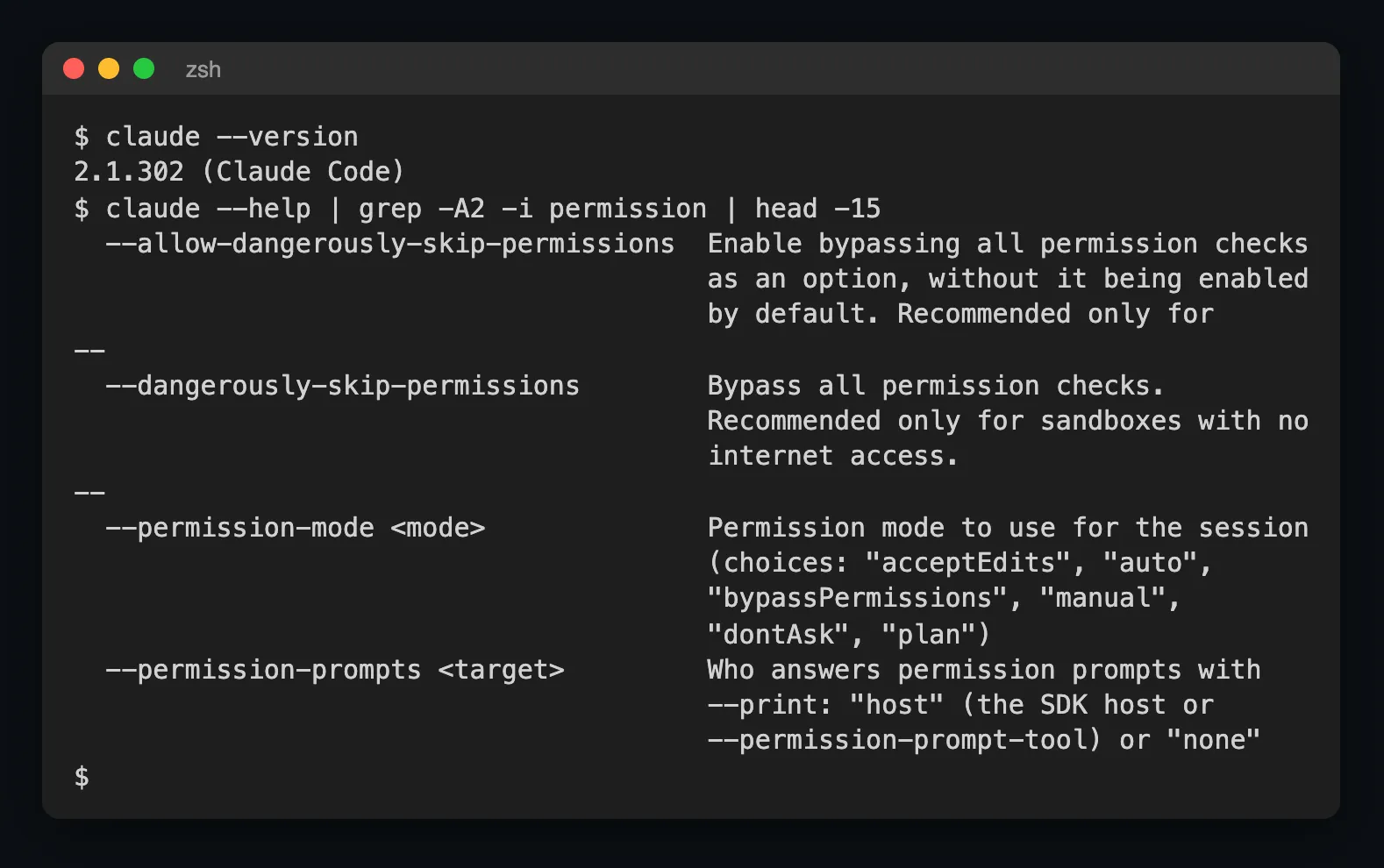
If you are deciding what to put in allowed-tools, remember it pre-approves actions, so it deserves the same care as the flag discussed in Claude Code —dangerously-skip-permissions, just scoped to one skill.
Passing arguments to a skill
Whatever you type after the slash command is available inside the skill body:
$ARGUMENTSexpands to everything after/skill-name.$0,$1and so on are positional arguments.
So /changelog-entry 0.2.0 puts 0.2.0 in $ARGUMENTS. We will use that below.
Skills vs custom slash commands
Custom commands have been merged into skills. Existing .claude/commands/*.md files keep working. If you move .claude/commands/deploy.md to .claude/skills/deploy/SKILL.md, /deploy keeps working and you gain the option of adding supporting files next to it. For new work, write a skill.
How to create a Claude Code skill: a worked example
We will build a project skill called changelog-entry that drafts a CHANGELOG.md entry from your staged git diff. Use a throwaway repo so nothing real is touched.
Step 1: create a scratch repo and the skill folder
mkdir skill-demo && cd skill-demogit initmkdir -p .claude/skills/changelog-entryStep 2: write SKILL.md
Create .claude/skills/changelog-entry/SKILL.md with this content:
---name: changelog-entrydescription: Draft a CHANGELOG.md entry from the staged git diff. Use when the user asks for a changelog entry.argument-hint: [version]---
Write a changelog entry for the staged changes.
1. Run `git diff --cached --stat` to see which files changed.2. Write a section headed `## $ARGUMENTS` (the version the user passed).3. Under it, add `### Added`, `### Changed` and `### Fixed` lists with short bullets. Leave out any list that has nothing in it.4. Base every bullet on the actual diff. Do not invent changes.5. Reply with only the entry, in English, and do not write any files.
Look at what each part does. The description states both what the skill does and when to use it. argument-hint shows [version] in autocomplete. The body is short, numbered and tells Claude exactly which command to run. The last line keeps the run to printing the entry, so you can read the result in the terminal.
Step 3: stage a small change
echo "def greet(name): return f'Hello, {name}'" > app.pygit add app.pyStep 4: check the version and the file tree
claude --versionfind .claude/skills -type f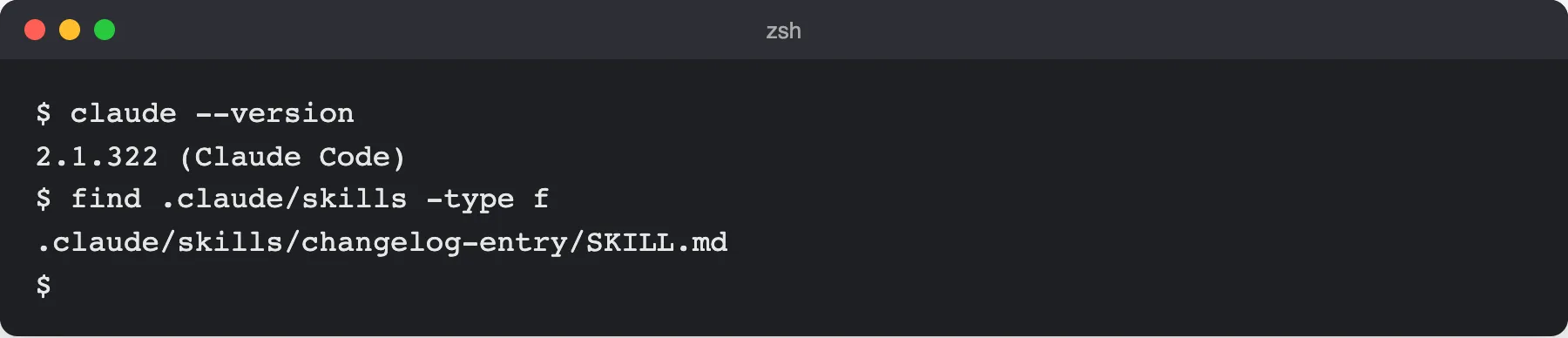
Step 5: run the skill
Run it headless with -p, passing the version as the argument. In my run -p expanded the slash command and $ARGUMENTS worked as described. I added 2>/dev/null only to hide an unrelated sign-in notice that goes to stderr; you do not need it:
claude -p "/changelog-entry 0.2.0" 2>/dev/null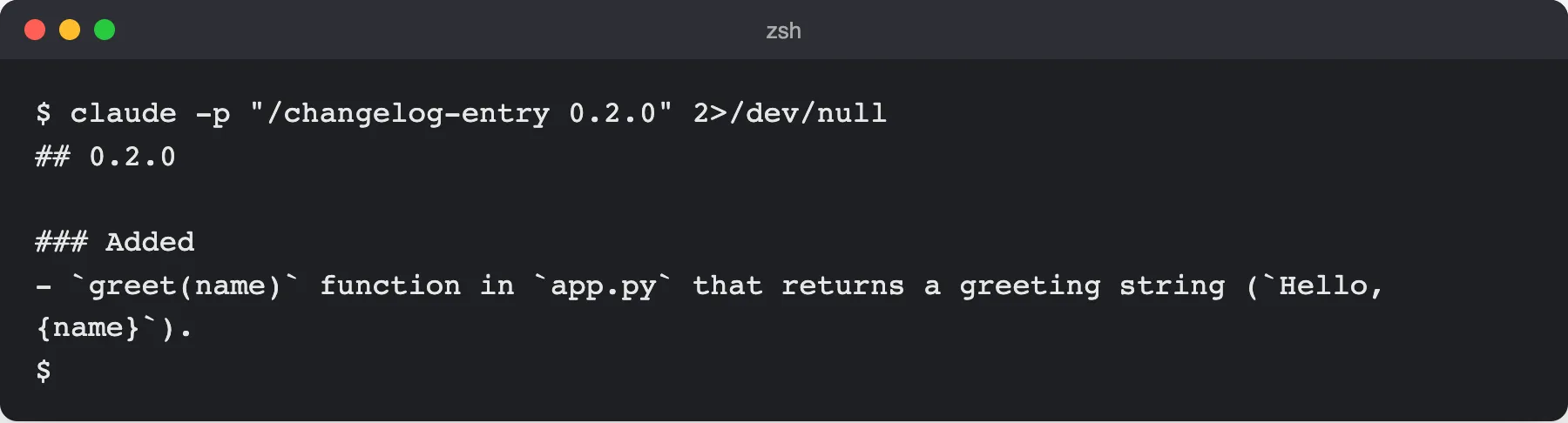
What to look for: the heading reads ## 0.2.0, which shows $ARGUMENTS was substituted, and the only bullet describes the staged app.py change instead of generic filler. Because step 5 of the skill says not to write files, nothing is saved: copy the entry into CHANGELOG.md yourself, or drop that line from the skill and let Claude write the file. If Claude asks for permission to run git diff, approve it, or add allowed-tools to the frontmatter for that command (see the docs for the exact syntax). The run above needed no extra approval.
Step 6: confirm the skill is loaded interactively
Start an interactive session in the same directory and type /skills:
claudeThen inside the session:
/skillschangelog-entry should appear in the list. Typing / also shows it in the menu, with the [version] hint.
Why Claude is not picking up my skill
Most problems come down to a few causes:
- Vague description. This is the most common reason Claude never loads a skill by itself. “Helps with changelogs” gives Claude little to match on. Say what the skill does and the situations that should trigger it, as the example does.
- Malformed YAML. If the frontmatter is broken, the skill can still load when you call it by
/name, but Claude cannot match it by description. Check for missing---markers, bad indentation, and unquoted colons inside values. - Wrong location. The path must be
.claude/skills/<skill-name>/SKILL.md, and the file must be named exactlySKILL.md. - Name clash. A personal skill with the same name overrides the project one.
You do not need to restart anything after fixing these. Edits to skill files are picked up live.
When a skill is the wrong tool
A skill packages instructions and optional scripts. If Claude needs to reach a live external system, a database or a third-party service, that is the job of an MCP server instead. For the background, see What Is an MCP Server? and MCP vs API. The two combine well: a skill can tell Claude how and when to use an MCP tool.
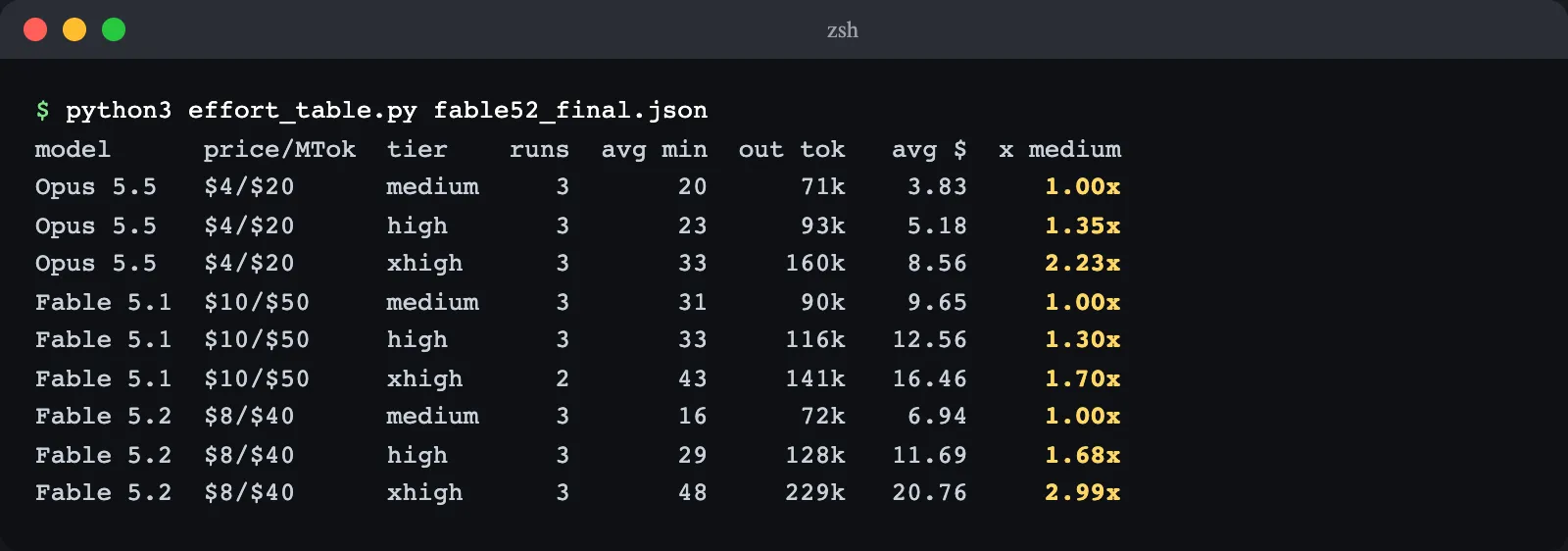
If you are weighing how much effort to give a model when it runs your skills, Claude Fable 5.2 effort levels, tested covers that separately.
FAQ
What is the difference between a Claude Code skill and a slash command?
They are now the same mechanism. Custom commands were merged into skills, so a skill named deploy is invoked as /deploy. Old .claude/commands/*.md files still work, but a skill folder lets you add supporting files and extra frontmatter.
Where do I put SKILL.md?
For a skill available in every project, use ~/.claude/skills/<skill-name>/SKILL.md. For one repository, use .claude/skills/<skill-name>/SKILL.md and commit it. Plugins ship skills under <plugin>/skills/<skill-name>/SKILL.md, invoked as /plugin-name:skill-name.
How do I stop Claude from running a skill on its own?
Add disable-model-invocation: true to the frontmatter. Only you can then trigger it with the slash command. This is the right setting for anything with side effects, such as deploying.
How long can a SKILL.md be?
Keep it under about 500 lines. Only the description is always in context; the body loads when the skill is used, so move long reference material into files like reference.md and link to them from SKILL.md.